The Distinction Between Media Players and Content Feeds
Setting up television streams on a desktop operating system like Windows requires understanding the fundamental difference between media player applications and content providers. Online guides frequently generate confusion by grouping client software—such as VLC Media Player, Kodi, Plex, and PotPlayer—alongside subscription streaming services. Media playback software consists purely of local utility applications. These programs are built to decode video codecs, process audio channels, and read playlist files like M3U indexes. However, playback software does not supply live television streams or on-demand libraries on its own. To watch programming, a user must furnish a functional playlist URL or account credentials obtained from a third-party service provider.
Maintaining this distinction is essential for setting realistic expectations. At Best IPTV Playlist, our platform serves strictly as an informational catalog. It is vital to state clearly that Best IPTV Playlist does not host, sell, or transmit streams or playlist files. We do not provide video feeds, nor do we develop media playback applications. Our role is solely to document verifiable operational data regarding independent providers. Visitors can review our operational principles by visiting our affiliate disclosure.
Desktop-Compatible Options in the Directory
When evaluating services for use on desktop computers, device compatibility parameters dictate how streams can be accessed. Certain services deliver programming entirely through browser-based interfaces, while others supply M3U links configured for third-party media players. Our comparison grid catalogs these technical attributes across active entries:
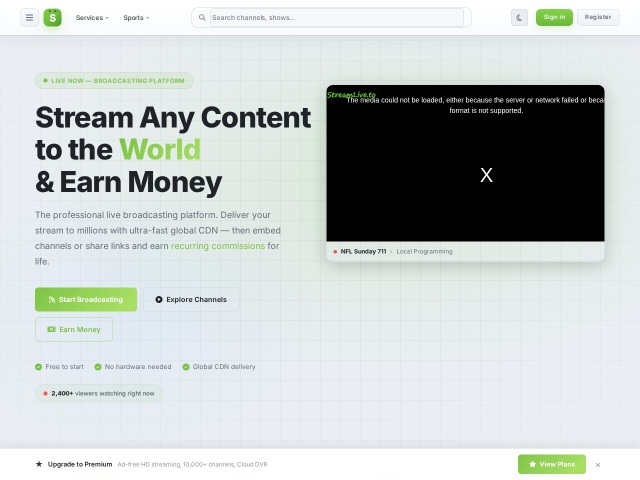
- **StreamLive**: Documented with a price label of "Premium on site" and offers a browser trial. Its delivery is restricted to a proprietary web player rather than external M3U player feeds. The provider's own listing reports 500+ live channels on standard tiers and 10,000+ on advanced options.
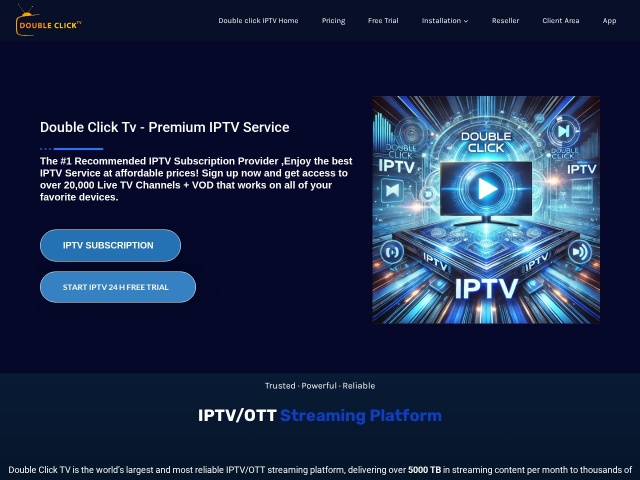
- **Double Click TV**: Carries a price label of $15/month, while trial availability is not recorded. It lists support for M3U, MAG, Enigma, and an integrated web player, making it versatile for browser streaming or player software on a PC.
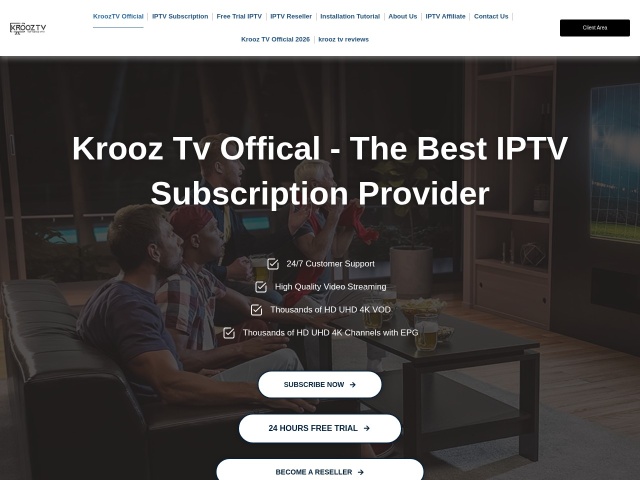
- **Krooz TV**: Recorded with a price label of $15/month and a 24-hour trial label. The provider's own listing claims 30,000+ live channels and 40,000+ VOD titles, compatible with M3U and MAG formats.
Cataloged Templates and Unverified Services
A rigorous directory must also account for storefront standardization across the market. Within our records, Ottocean is designated with a "Template listing" label. This means our review identified a shared checkout template, and no subscription price was copied. Our database does not invent prices where direct confirmation is absent. For Ottocean, device compatibility is recorded as M3U and MAG, with trial options remaining unrecorded.
Conversely, software guides frequently review services such as AmunTV. AmunTV is not listed in this directory. Because it is absent from our catalog, our database does not record or verify its pricing structure, channel inventories, or trial policies. Furthermore, services like Voco TV are absent from our directory and are not recommended.
Protecting Desktop Privacy on Shared Connections
Desktop computers frequently connect to communal or public network environments, including home-share networks, corporate guest Wi-Fi, and public libraries. When media applications communicate across shared local routers, unencrypted stream traffic can reveal local activity to network administrators. For users seeking privacy on untrusted connections, Surfshark functions strictly as a shared-Wi-Fi privacy tool by encrypting data transmitted between the desktop computer and the wider internet. A VPN does not unlock channels, expand channel selections, or bypass subscription paywalls. For information regarding current pricing and trial terms, please see the official site.
For inquiries or updates regarding desktop-compatible catalog entries, contact support@m3u8-player.net.