Independent Directory Architecture and Streaming Playback
Selecting an application to play network streams is fundamentally separate from choosing the underlying media catalog. Software clients are designed to parse playlists, organize electronic program guides, and decode audio and video streams across various operating environments. In contrast, Best IPTV Playlist (https://bestiptvplaylist.online) operates strictly as an independent directory. The site does not host, sell, or transmit streams or playlist files. Instead, it provides reference data and directory listings so viewers can understand supported delivery formats, device compatibility, and public terms before signing up for third-party services. To view structured provider summaries, readers can inspect the directory comparison section at https://bestiptvplaylist.online/#grid.
Popular Player Applications Across Supported Devices
Streaming hardware environments such as Firestick, Android TV, mobile operating systems, and smart televisions utilize specialized media players to handle content libraries. Applications including TiviMate, IPTV Smarters, MYTVOnline3, XCIPTV, Sparkle TV, NexTV, Perfect Player, Televizo, OTT Navigator, Kodi, and iMPlayer offer distinct playback interfaces.
Certain applications prioritize advanced playback functions, such as custom electronic program guides, multi-view setups, and local recording capabilities. Others emphasize streamlined interfaces suited for handheld devices or integrated television operating systems. Because these applications serve purely as media engines, they contain no pre-loaded channels or media streams. Users configure them by entering their own server credentials or playlist links provided by an independent service.
Connecting Formats to Compatible Media Apps
When setting up an external player, compatibility with standard delivery formats determines usability. Most player applications accept M3U playlists, Xtream API inputs, or MAG portal configurations.
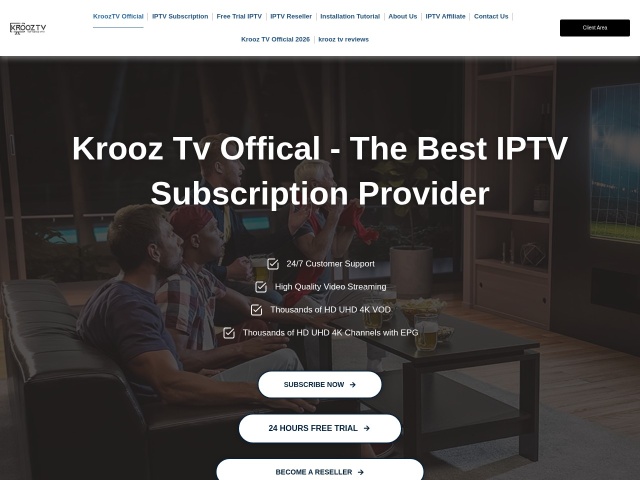
Within the Best IPTV Playlist directory, active listings display the specific connection methods supported by each provider. For example, Krooz TV displays an active price label of $15/month and a 24-hour trial label, with device compatibility recorded for M3U and MAG formats. In that entry, the provider lists live channels at 30,000+ and VOD titles at 40,000+, which represents the provider's own listing rather than an independently audited count.
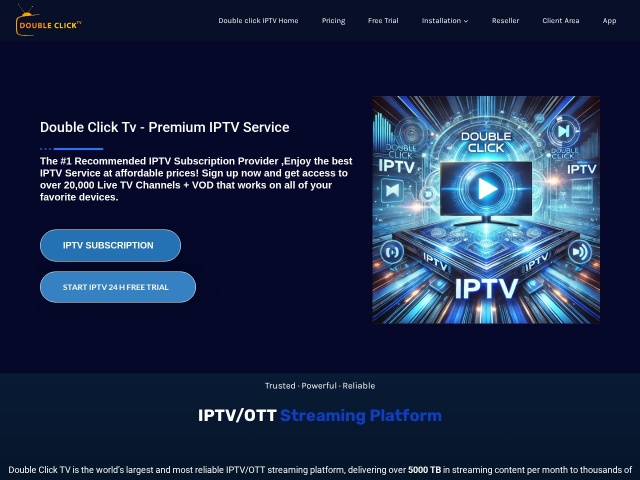
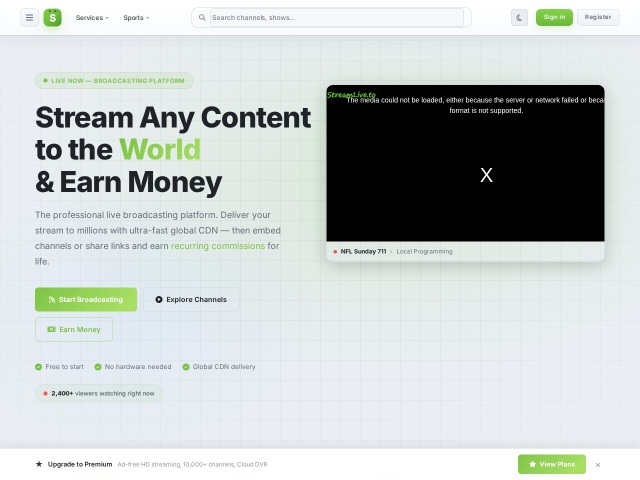
Similarly, Double Click TV is cataloged with an active price label of $15/month, while its trial label is not recorded. Its supported devices label encompasses M3U, MAG, Enigma, and web player options. For services like StreamLive, the price label indicates premium on site with a browser trial label, supporting web player environments. In that entry, the provider lists live channels at 500+ / 10,000+, again reflecting the provider's own listing.
Protecting Privacy Across Shared Wi-Fi Connections
Configuring playback apps on portable devices such as tablets or streaming dongles often involves connecting to public or shared internet connections in hotels, student housing, or shared apartments. On untrusted local networks, unencrypted traffic can expose browsing habits to local network administrators.
Surfshark is cataloged exclusively as a shared-Wi-Fi privacy tool. Its role is strictly to encrypt internet data while traveling or operating on public networks. It does not unlock channels or bypass content restrictions. Anyone interested in pricing and trial options should see the official site directly, or consult the summary page at https://bestiptvplaylist.online/#surfshark.
Practical Guidelines for Setting Up Playback
Before committing to any subscription, users should consult the directory to confirm that a provider matches their chosen playback client. Transparent documentation helps avoid issues with incompatible playlist formats. For information regarding reference practices and commercial relationships, review the affiliate disclosure at Users seeking further directory clarification can reach out through the contact email at support@m3u8-player.net.