Differentiating Playback Software from Content Providers
When setting up streaming on connected televisions and smart devices, users frequently encounter discussions about applications such as Tivimate, M3U Player, IPTV Pro Stream Player, or generic IPTV Player tools. A common misconception among newcomers is that downloading a media player application automatically grants access to television channels. In reality, media player applications function solely as playback shells. They provide user interfaces, channel navigation grids, and media decoders, but they do not supply streams, television channels, or video-on-demand files on their own.
To watch programming through a media player, users must supply an external playlist link or portal address obtained from an independent service provider. Understanding this separation is essential for managing equipment properly. Similarly, directory platforms exist to document the services that provide these playlist configurations. At Best IPTV Playlist, the platform operates as an informational directory and does not host, sell, or transmit streams or playlist files. Users retain full responsibility for connecting their chosen player software to an independently sourced playlist.
Evaluating Directory-Listed Providers versus Unlisted Services
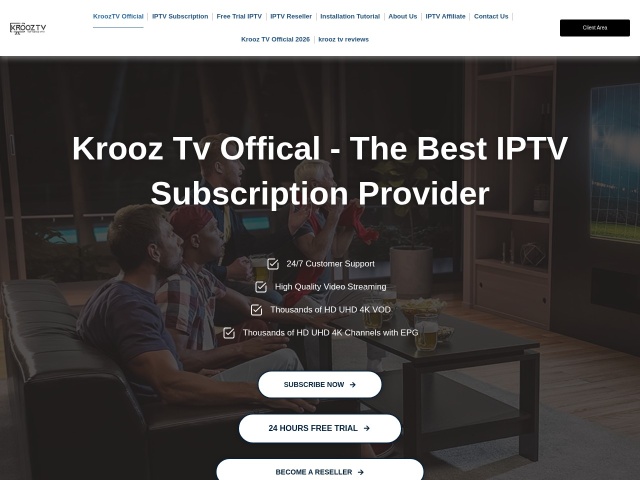
Finding a compatible subscription requires reviewing documented connection parameters and recorded pricing terms. In the Best IPTV Playlist directory, Krooz TV is an active entry featuring a recorded price label of $15/month, a 24-hour trial label, and device compatibility designated for M3U / MAG environments. In its directory record, the provider lists live channels at 30,000+ and VOD content at 40,000+. These counts represent the provider's own listing, rather than an independent count conducted by the directory.
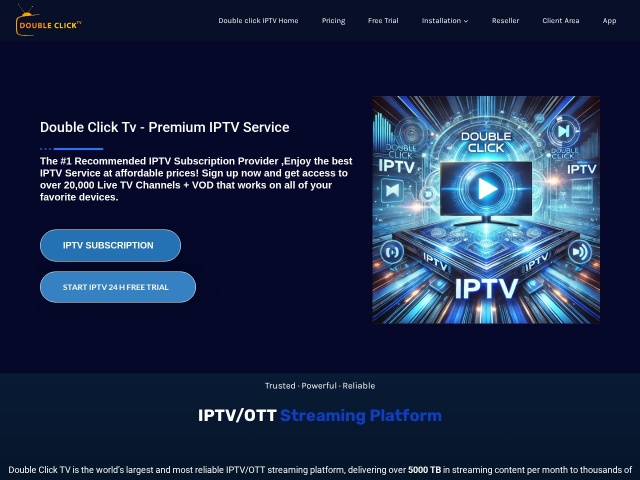
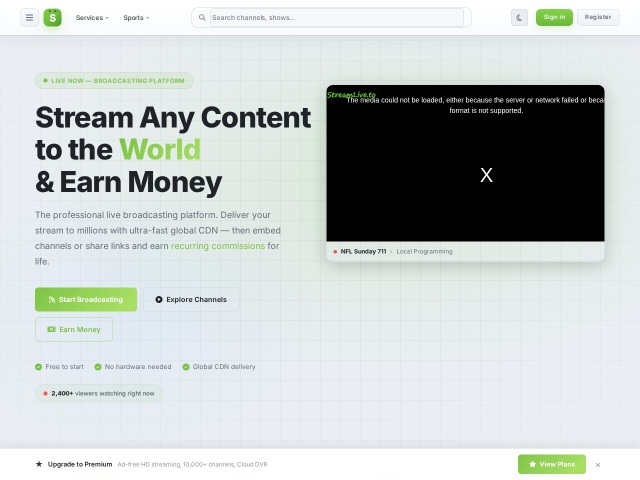
Other directory entries accommodate different viewing setups. Double Click TV is recorded with a price label of $15/month, trial availability not recorded, and support spanning M3U / MAG / Enigma as well as a web player interface. StreamLive is listed with a price label marked as Premium on site, a browser trial label, device support focused on a web player, and the provider lists live channels at 500+ / 10,000+. For services such as Ottocean, the price label is recorded as Template listing, trial status is not recorded, and supported devices are listed as M3U / MAG. In directory records, a template listing indicates that a shared checkout layout was observed, meaning no price was copied or assumed.
Conversely, articles on the web often discuss services such as Voco TV. Voco TV is not in this directory, and its subscription plans, channel counts, and trial terms are not described here. Furthermore, this directory does not recommend Voco TV.
Key Considerations for Playlist Integration and Device Setup
When configuring a player application on a smart television or streaming stick, viewers should verify that the format delivered by their provider matches the technical requirements of the playback software. Standard M3U playlist URLs remain the most common format for third-party media players, allowing users to import channel listings directly into software interfaces. Hardware-centric setups may instead rely on MAG portal configurations that bind access to specific MAC addresses.
Before purchasing access, checking whether a provider offers a trial—such as the 24-hour trial documented for Krooz TV—allows users to verify that their internet connection and player software handle streams reliably. Maintaining realistic expectations about provider-reported figures and understanding the technical role of playback applications ensures a stable, transparent streaming experience.